Create a Meetup Event as a Draft
This document describes the steps required to create a Meetup.com event in draft mode.
In this article:
Prerequisites
Link to meetup article Scheduling a Meetup .
Create a meetup
To create an event as a draft, you must first go to the meetup calendar and click the icon for “add new” (see below). Don’t use “+ SCHEDULE A NEW MEETUP” link, it won’t allow saving as draft.

Enter the details for the event.
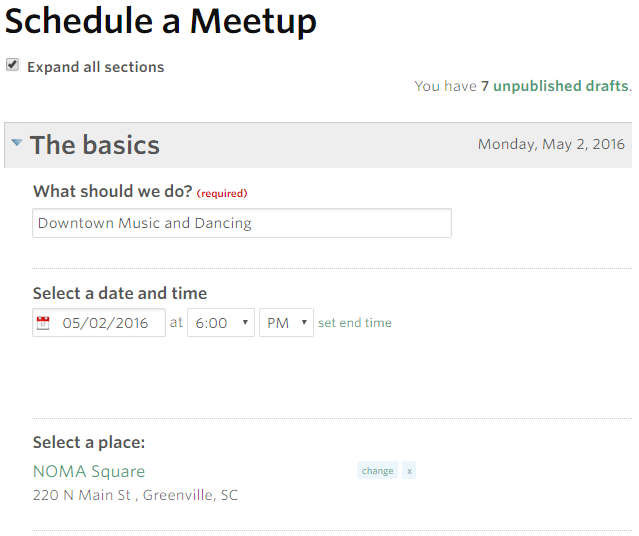
Scroll down to the bottom of the screen and click “Save as Draft”.

Your meetup is now saved in draft mode.
